FAST
A focused interface with the core options. Choose a lighter experience.
KEEP IT FOCUSED Evex External
Evex is free for all verified accounts during this period. Create an account, verify your email, then download and sign in. No subscription needed.
Available now.
Open until the free period is ended.
Your download, your updates. Everything you need to get started.
Get Evex External from the official source and stay up to date.
The Evex interface. Built around your choices.
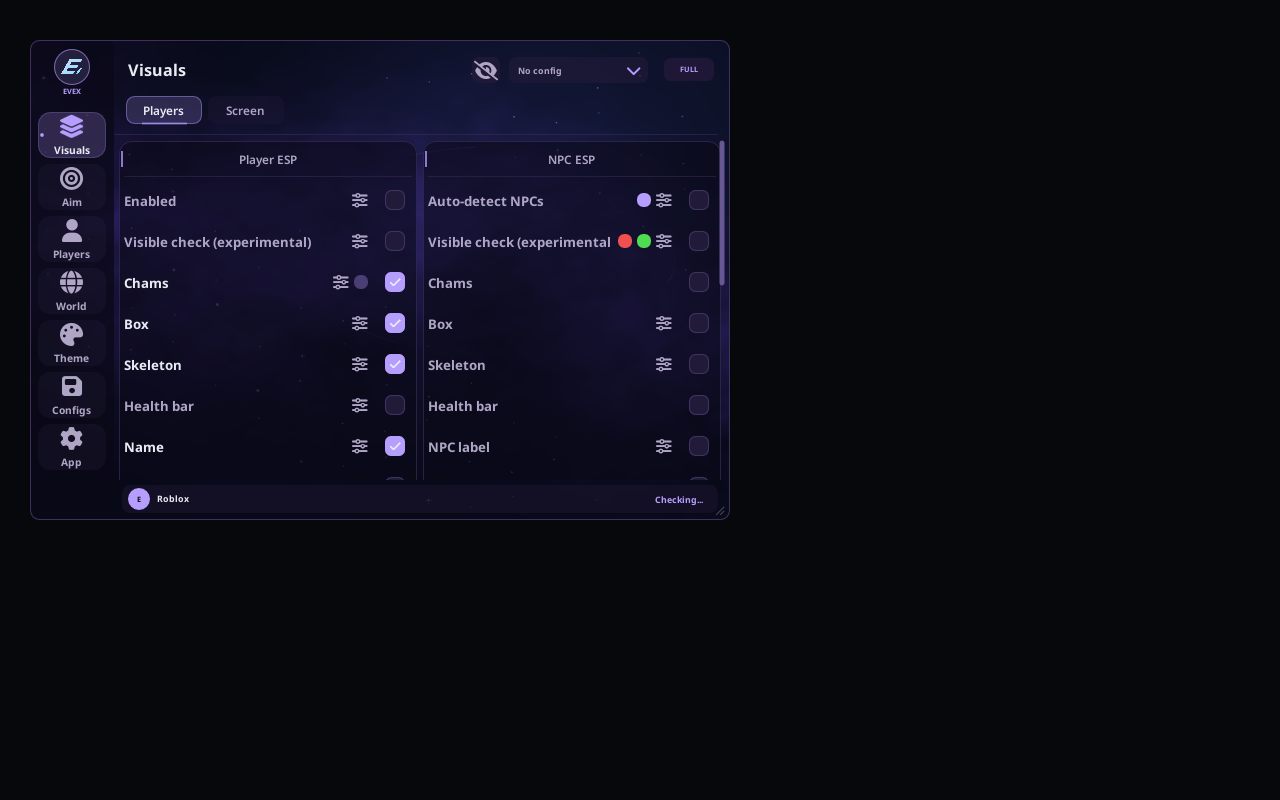
A focused interface with the core options. Choose a lighter experience.
KEEP IT FOCUSEDExplore the complete interface and its additional customization options.
THE COMPLETE EXPERIENCEChoose your mode when you open Evex.
From download to activation, simply.
Choose Download for Windows, verify your license, and save Evex External in its own folder on your computer.
Create an account with your username, email and password. Verify your email, link your key and sign in to the app.
When a new version is available, choose Update in the app. Open Roblox after activation to begin your session.
Includes online updates, the new application icon, and the End Task button.
A few answers about downloads and activation.
Create an account and verify your email, then link your existing key to keep its remaining duration. An active subscription is required to run the app. For support, join our Discord server below.
The app checks for updates on launch and offers to download and install newer versions. If your old copy has no updater, download the current version once.
The current release supports Windows x64. Mobile and macOS versions are not currently available.
Check your connection, close other copies of the app, and try again. You can continue with the installed version or download the current version here.
For activation and support, reach out on Discord.